Requires macOS 14.6 or later
iPhone & iPad iOS 17.6 or later
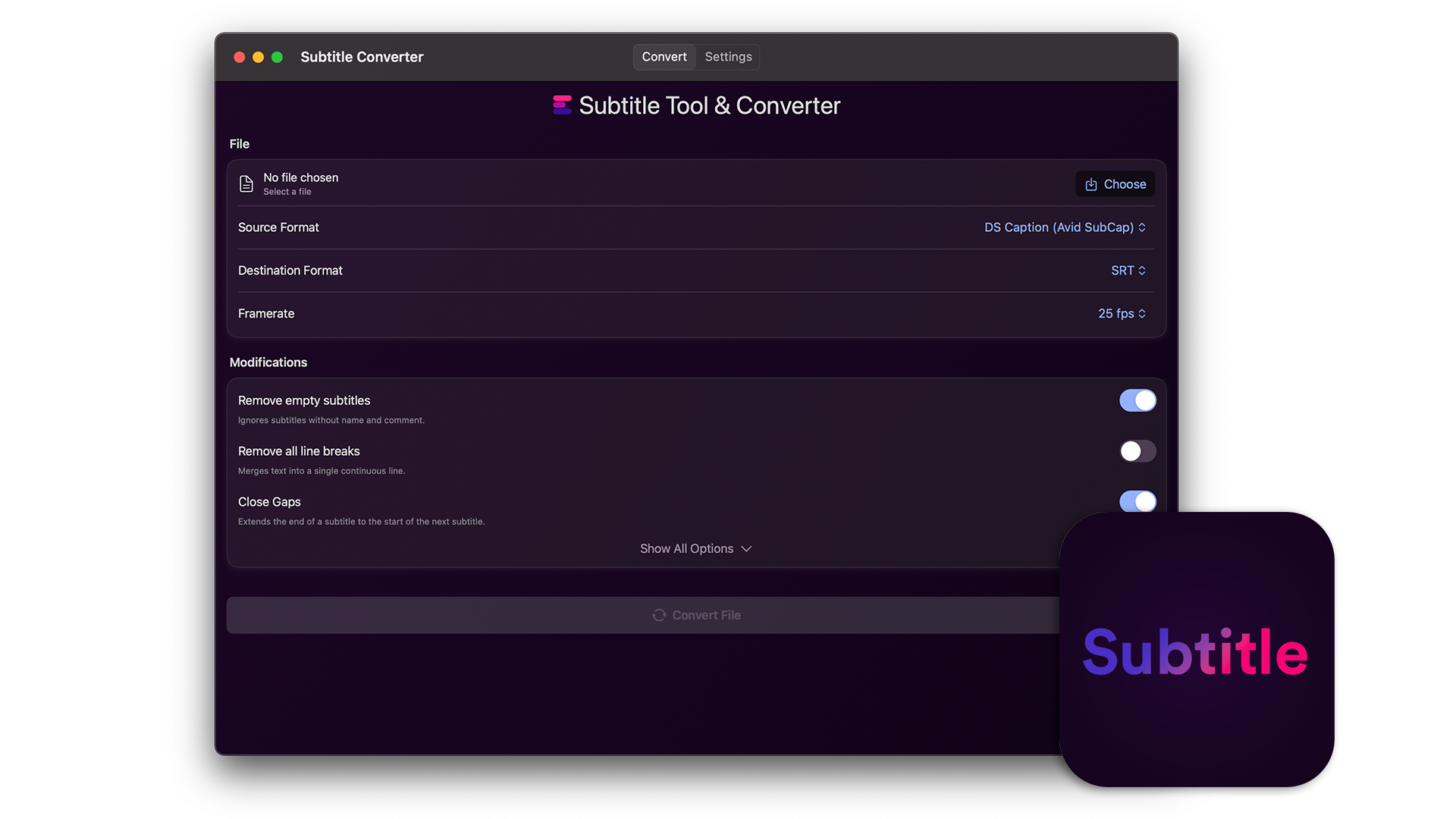
The EditingTools.io Subtitle Converter helps with converting and modifying subtitle files. This app is a desktop version of our online subtitle tool and works completely offline.
We build this app with security in mind, which means no data is shared with any third party and everything is processed locally. This makes it ideal for top-secret projects and high-security environments.
We offer three types of licenses. The single-user license is ideal for freelancers who want to use the software on one or two computers. This license is tied to a single account. For companies, we offer a team license, which is bound to the company. The number of licenses can be chosen upon purchase, with a minimum of three licenses. We also offer an enterprise option. Please contact our sales team for more information. All licenses are perpetual.
Lūdzu, ņemiet vērā: pats spraudnis pašlaik ir pieejams tikai angļu valodā.
Jūs tiksiet novirzīts uz drošo "Paddle" apmaksas lapu. Paddle.com ir Merchant of Record.
Apgrieztā maksāšana: Ja pērkat uzņēmuma vajadzībām un jums ir PVN numurs, dažās valstīs varat izmantot apgrieztās maksāšanas procedūru. Norēķinu lapā pēc valsts un pasta indeksa izvēles kreisajā pusē noklikšķiniet uz "Add VAT ID".
Ja jums ir kādi jautājumi vai funkciju pieprasījumi, sazinieties ar mūsu atbalsta komandu. Mēs labprāt jums palīdzēsim!
Pēc lejuplādēšanas izpakojiet zip failu un palaidiet .app failu. Pēc tam vienkārši izpildiet instalēšanas vedņa norādījumus.
Jā, ja ir pieejami atjauninājumi, varat tos lejupielādēt bez maksas.
Nē, šī lietojumprogramma darbojas bezsaistē, un tajā netiek kopīgoti nekādi jūsu projekta dati tiešsaistē.
To remove the license and stored cache of this app, delete the following folders:
/Users/{username}/Library/Containers/com.editingtools.subtitle
or
/Users/{username}/Library/Containers/Subtitle Converter